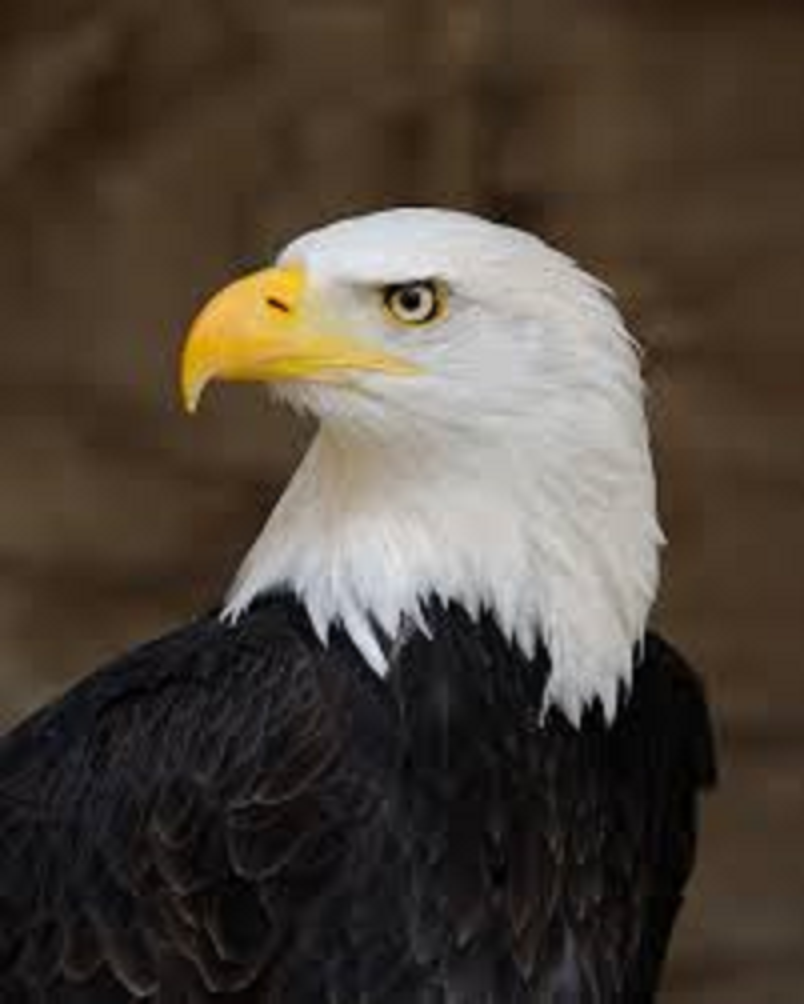
Find an image and copy it to the 'images' folder that was included in your starter files for this course (the starter files were all put in a folder named 'web-programming'). Then add an IMG element below that displays the image. Make sure to set the alt attribute, and you may set the width attribute if you like.
Why is it important to use small file sizes for images (image files that are small in kilobytes)?
If you want an image to have a transparent background, what type of image should it be (what file extension would you use)?
What are responsive images?
Find another image and copy it to the 'images' folder. Then add an IMG element below that displays the image. Make sure to set the width and alt attributes. Turn the image into a link by nesting it within an A element. Clicking on the image should open up google.com in a new browser tab.

Find a video on YouTube that you like, and embed it into this page.